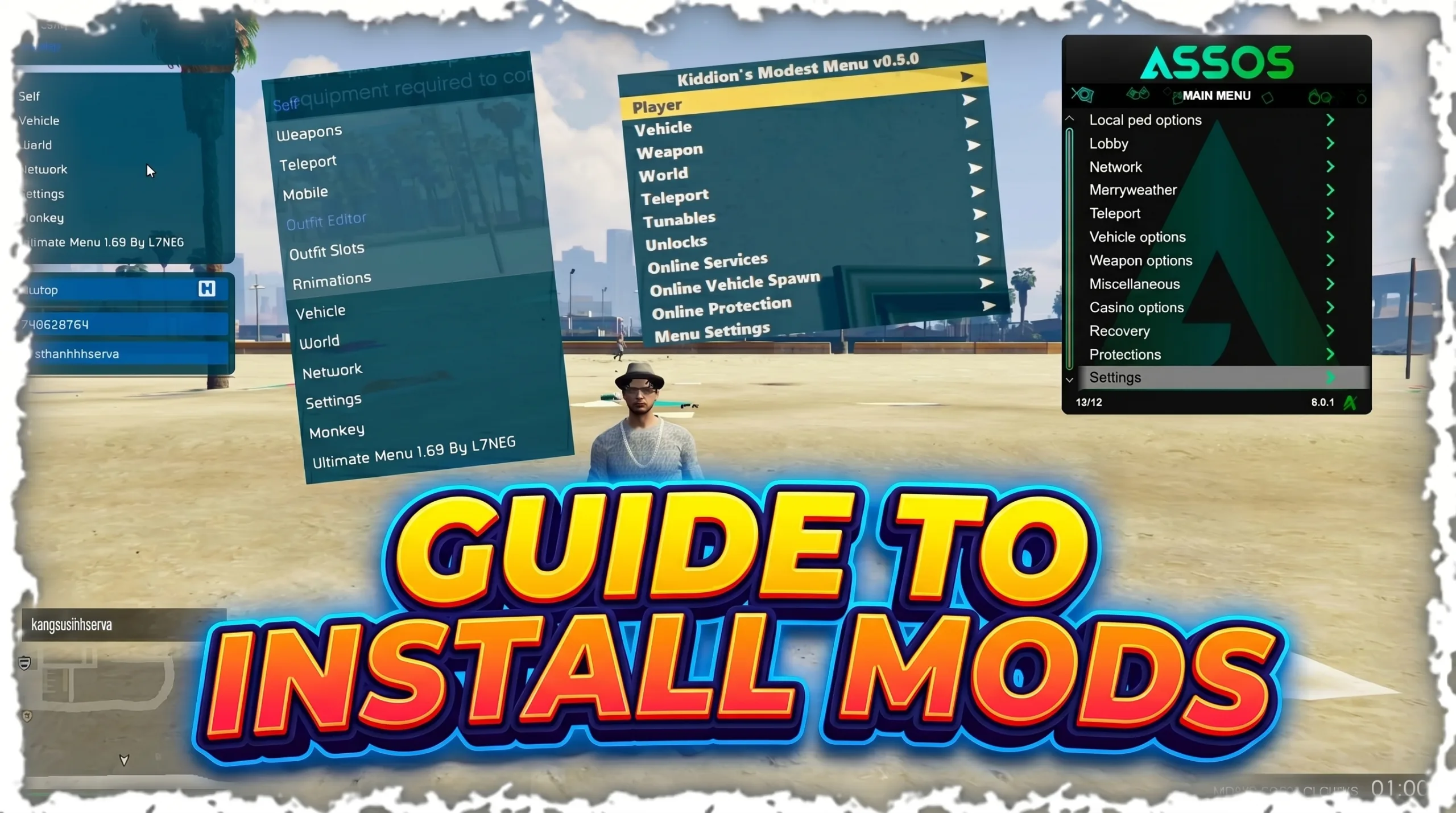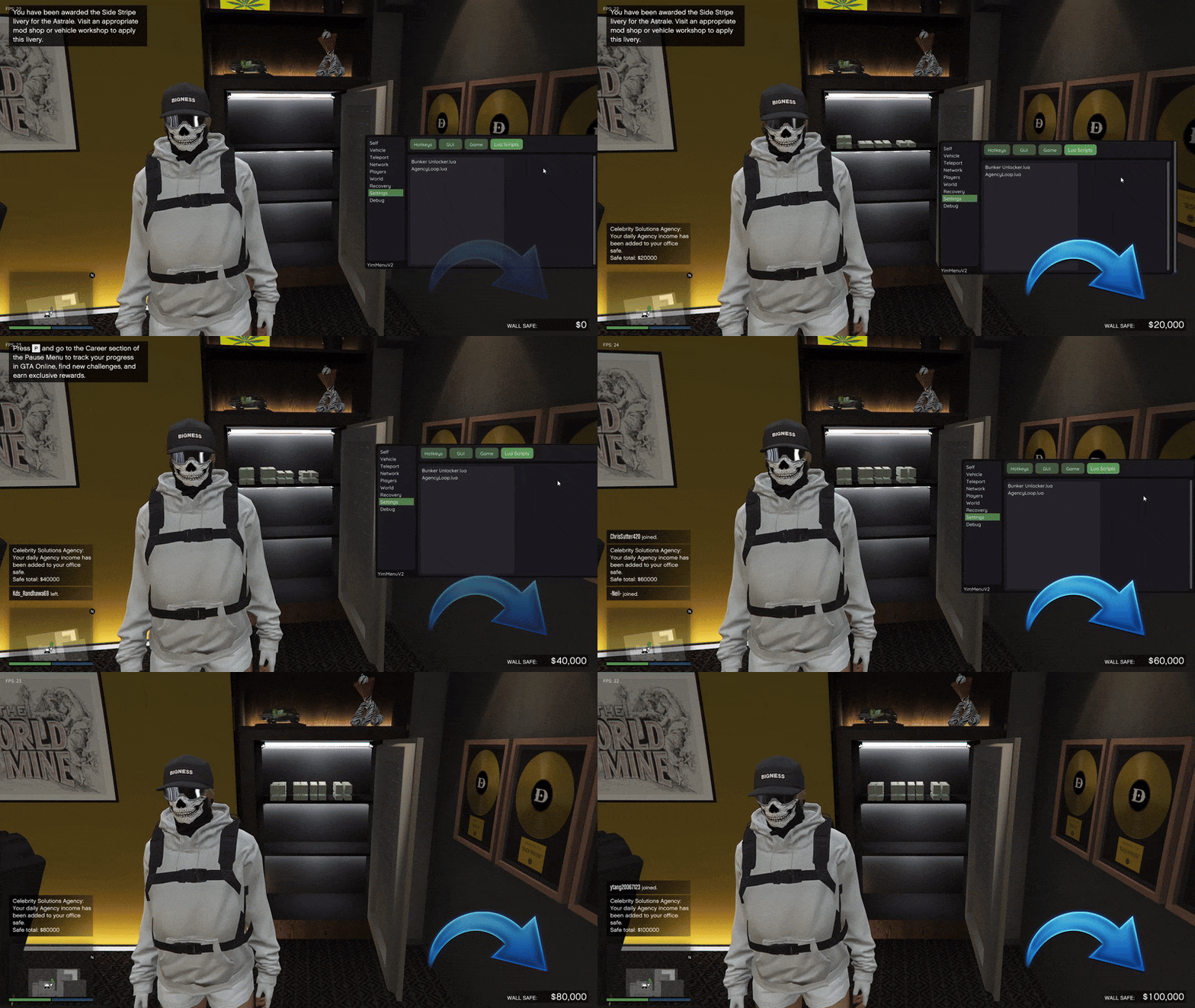
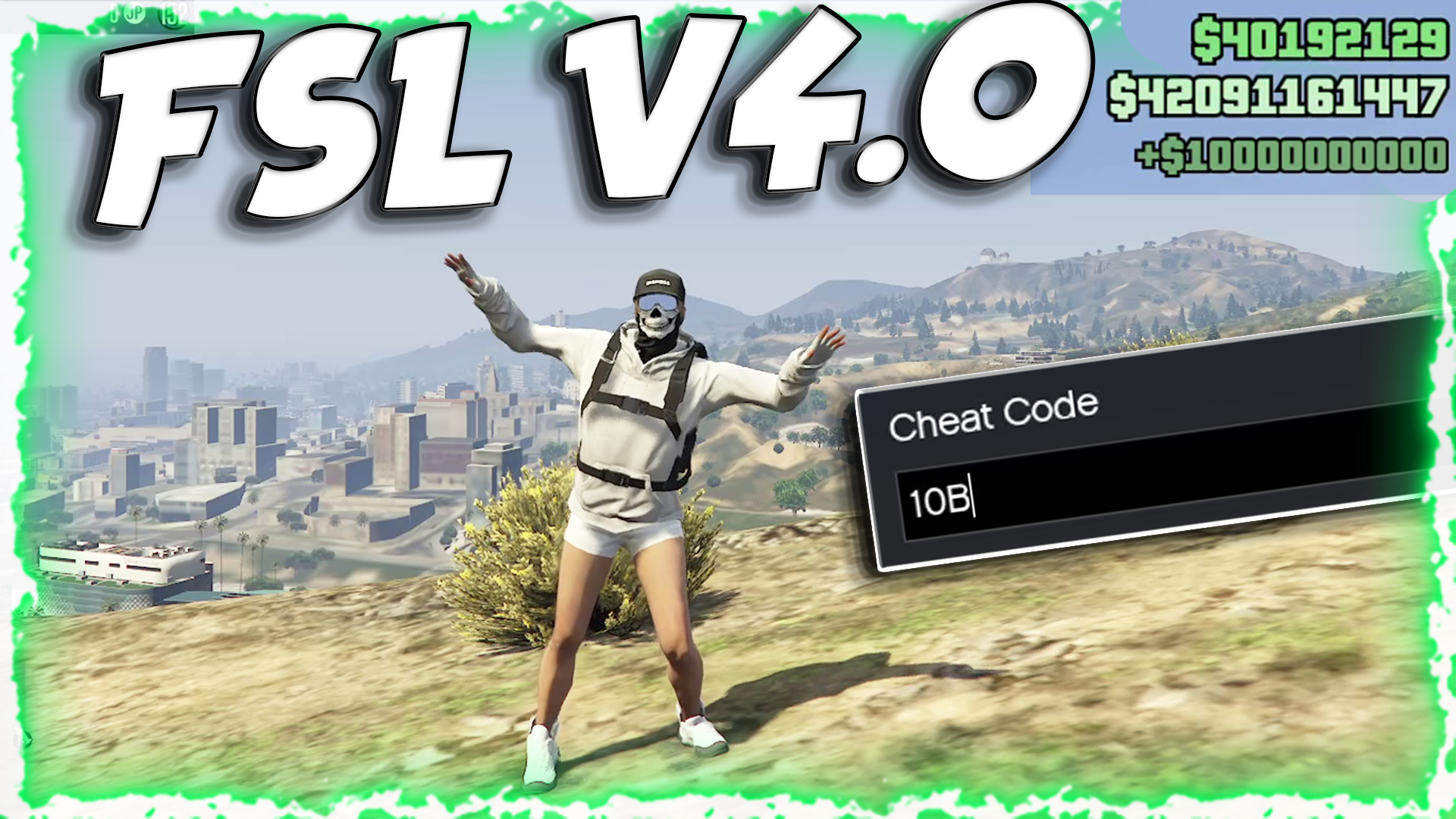

FSL Online Saves is an open-source tool that dramatically alters how GTA Online save data is treated — redirecting your save operations from Rockstar's central servers to your own local machine, giving you full control over your GTA Online progress, backups, and in-game money.
⛔ Important: Make sure to remove version.dll from your GTA game directory if it exists before setting up FSL. Only use WINMM.dll for current versions.
- What Does FSL Online Saves Do?
- Why This Project Was Created
- How Does FSL Online Saves Work?
- Setup & Installation
- Money Cheat Codes
- Settings & Configuration
- API for Developers
- Main Features
- Frequently Asked Questions
- Safety Concerns & Risks
- Community Issues & Discussions
- In-Game Screenshots
- Video Guide
- Legal & Ethical Implications
- Future of FSL Online Saves
- Summary
What Does FSL Online Saves Do?
FSL Online Saves is a save redirection and save storage system for GTA Online. With traditional save systems, GTA Online sends the player's save information — including money, stats, inventory, and progress — to Rockstar's cloud servers. With FSL Online Saves, this process is intercepted and instead redirects the save information to the player's local computer:
Therefore, all future saves and loads will take place locally on the player's machine and not through the normal server architecture. FSL was developed by isamo09 and consists of both a client and an optional server application to enable save files to be saved, managed, and synced between different machines.
Why This Project Was Created
GTA Online has always had very restrictive rules regarding save data. Players do not have much control over their GTA Online progress outside of what Rockstar has allowed. This limits the player's ability to:
Backup online progress
Restore to a prior save point
Transfer saves between systems
Edit save data (for personal or testing purposes)
Preserve progress when official servers are unavailable
FSL Online Saves solves all of these limitations by creating a local save environment that simulates how offline games store progress — giving players the power to manage their GTA Online progress independent of Rockstar's cloud infrastructure.
How Does FSL Online Saves Work?
The operation of FSL Online Saves is based on hooking the save methods that GTA V uses to send save data to Rockstar's servers.
Capturing Save Calls
A DLL file (typically WINMM.dll) placed in the GTA V game directory acts as a call interceptor — capturing calls to Rockstar's servers and redirecting them to the local save location instead.
Transparent to the Game
Once save requests are captured, GTA V thinks it has successfully sent the data to Rockstar's servers — in reality, all save data is being written to the local computer.
Local Save Store & Management
All save files are stored in a designated folder (%APPDATA%\FSL). This container allows for safe backup and restoration of save content as needed.
Files Included in the Repository
The main hook DLL placed in the GTA V game directory. Core component that intercepts all save requests and redirects them locally.
A user interface tool for managing stored local saves, uploading to custom servers, and downloading saves from custom servers.
An optional Python-based server component that stores save files remotely — a pseudo-cloud for syncing saves between multiple machines.
A utility program to restore or replace save content — useful for resetting save data if something goes wrong.
Setup & Installation
⚠️ Turn off BattlEye under Rockstar Social Club settings before loading FSL — otherwise FSL will not load. Also remove the _unknowncheats_ part from the filename so it is just called WINMM.dll.
✅ Verification: If FSL is loaded correctly, you will see "(with FSL)" next to the online version number in the legals screen.
Money Cheat Codes
Cheat codes can be entered by pressing the ~ (tilde) key while in an online session. FSL accepts the following codes:
| Cheat Code | Amount Added |
|---|---|
| 1M | Adds $1,000,000 |
| 10M | Adds $10,000,000 |
| 100M | Adds $100,000,000 |
| 1B | Adds $1,000,000,000 |
| 10B | Adds $10,000,000,000 |
⚠️ Money cheat codes require local saves to be enabled first. You cannot use money codes without enabling local saves in the settings.
Settings & Configuration
FSL generates a configuration file at %APPDATA%\FSL when you load it for the first time. Edits to this file require a game restart to apply.
📝 Some settings depend on others. For example, you cannot enable GTA+ or use money cheat codes without enabling local saves first.
⚠️ All save data is stored in %APPDATA%/FSL. While FSL creates backups regularly, you are strongly advised to maintain your own backups in a safe location. Everything inside %APPDATA% will be wiped during a Windows reset.
API for Developers
FSL 2+ includes an API that allows other mods to interface with it more easily. Use GetModuleHandleA to find WINMM.dll, then use GetProcAddress and cast the result to the proper function type.
bool LawnchairIsProvidingLocalSaves(); // returns true if local saves are enabled
bool LawnchairIsProvidingBattlEyeBypass(); // returns true if battleye bypass is enabled
More API functions will be added in future versions of FSL.
Main Features
Local Save Redirect
The most important functionality — intercepts all online save operations and writes save data locally on the player's machine instead of Rockstar's servers.
Save Backup & Restore
Players can backup progress to separate media, restore previous states if something goes wrong, and test safely without losing any progress.
Save Manager UI
A user interface (web or app-based) to manage stored saves, possibly including remote access through the optional server component.
Console Money Cheat Codes
Supports cheat codes (1M, 10M, 100M, 1B, 10B) entered via the tilde key (~) during an online session to modify your in-game balance.
Function Hooking & DLL Injection
The core DLL uses classic function hooking to intercept API calls — a well-established modding technique implemented carefully to avoid conflicts and crashes.
Optional Remote Server
A Python-based server component provides a pseudo-cloud for syncing local saves between multiple machines — completely optional.
Frequently Asked Questions
This should be nearly undetectable since your saves never reach Rockstar's servers. That doesn't stop Rockstar from trying to signature-scan this tool, so it is recommended to load a mod menu with a working anti-cheat bypass whenever you go online.
There are no tools to edit save files yet. You can, however, use CodeWalker to view them.
This is because FSL stores your online save data locally on your hard drive. Re-enable FSL to load your modded save again.
While previous versions of FSL allowed ban bypassing, this is no longer possible. Clients now require a P2P certificate signed by Rockstar to attest game ownership and ban status. You might still be able to play in solo sessions if banned, but this has not been tested.
Yes — save files stored locally can be shared with other players.
If FSL is loaded correctly, you will see "(with FSL)" next to the online version number in the legals screen. If you do not see this, FSL might be outdated or not loaded correctly.
Safety Concerns & Risks
While FSL's documentation states that local saves will not cause a ban because the data never reaches Rockstar's servers, anti-cheat systems evaluate many signals — not simply whether save files were written to the server.
Injecting or replacing DLLs to modify the game's behavior may trigger flags in anti-cheat software if the game validates client memory during execution.
Modifying money using console commands changes your profile data. While modifying local saves prevents uploading, attempting to participate in official sessions with altered statistics can potentially lead to account action.
Complaints about FSL crashing or generating errors — documented on the project's repository — suggest there may be compatibility issues with newer versions of GTA V.
Community Issues & Discussions
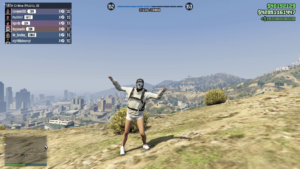
📸 In-Game Screenshots
🎬 Video Guide
Legal & Ethical Implications
⛔ Important: Rockstar's Terms of Service prohibit the modification of save data and client behavior. Using utilities that alter how you experience the game can risk account suspension. Even if a utility claims to be safe, using it in official online sessions may be considered a violation of service terms.
Legitimate Potential Use Cases
Pre-Edit Backups
Create a backup prior to making major edits — ensuring you can always restore to a known-good state.
Experimental Testing
Developers and modders can test mods without risking live progression — keeping the official save untouched while experimenting locally.
Legacy Version Play
Once official servers cease supporting older versions, local saves allow you to continue accessing legacy content independently.
Alternative Methods
Offline trainers for single player
Custom servers like FiveM / Alt:V (independent client-server modded gameplay)
Script Hook V for client-side modding
FSL Online Saves is unique because it allows players to maintain the official GTA Online experience while storing saves elsewhere — an option not available through custom servers or offline modding.
Future of FSL Online Saves
Version 1.0.3 was released and included both bug fixes and additional features for downloading the latest save from the server. Future community contributions or forks could include:
Improved User Interface for managing saves
Cloud integration for multi-machine sync
Support for newer GTA V versions
More cheat codes with built-in protection
Summary
FSL Online Saves is a technically advanced and innovative tool in the GTA Online modding community. The ability to redirect save data to a local drive gives players a level of control that they would typically never have in a cloud-based system like Rockstar's. It provides options for players to back up their games, experiment with different mods, and customize their experience.
However, it does come with some risks: compatibility problems, violations of service terms, and possible account action. Players need to consider these risks carefully when deciding to use it in a live environment. Ultimately, FSL Online Saves demonstrates a creative solution to gaining control in an area where control has traditionally been limited to a central authority — and continues to gain traction in the GTA modding community.
Credits to Dev - #isamo09, L7NEG, YimNPC Sharing the Script