
How to Use YimMenu 1.69 — In-Depth Guide
YimMenu 1.69 (Build 3351) requires a specific setup process that differs significantly from older versions. Recent GTA V updates introduced BattlEye anti-cheat, and a partial DMCA takedown has changed how YimMenu is distributed. Simply injecting the DLL at random no longer works — follow the exact process below to get the menu running correctly while keeping your risk as low as possible.
1. Overview & What Changed
The GTA V modding scene has changed significantly with recent updates. BattlEye anti-cheat is now active in GTA Online, and a partial DMCA takedown has forced the YimMenu team to stop distributing source code — releasing binaries exclusively through UnknownCheats as a result.
These changes mean the old approach of injecting a DLL at any point during the game no longer works reliably. Build 3351 has a very specific injection window, specific injector requirements, and requires both BattlEye to be disabled and FSL to be active before you even open the game. Skipping any part of this process increases the risk of a ban or a crash significantly.
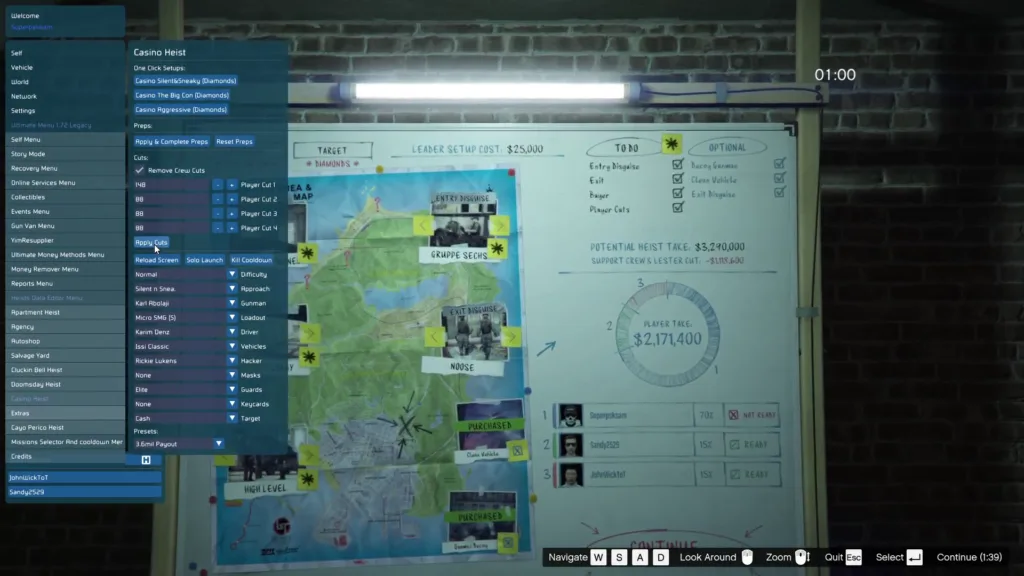
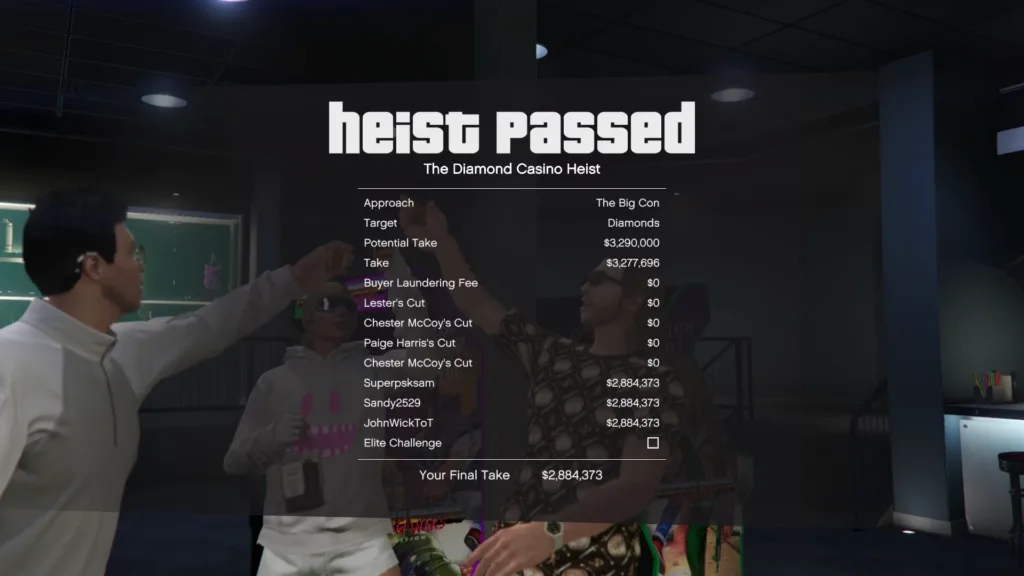
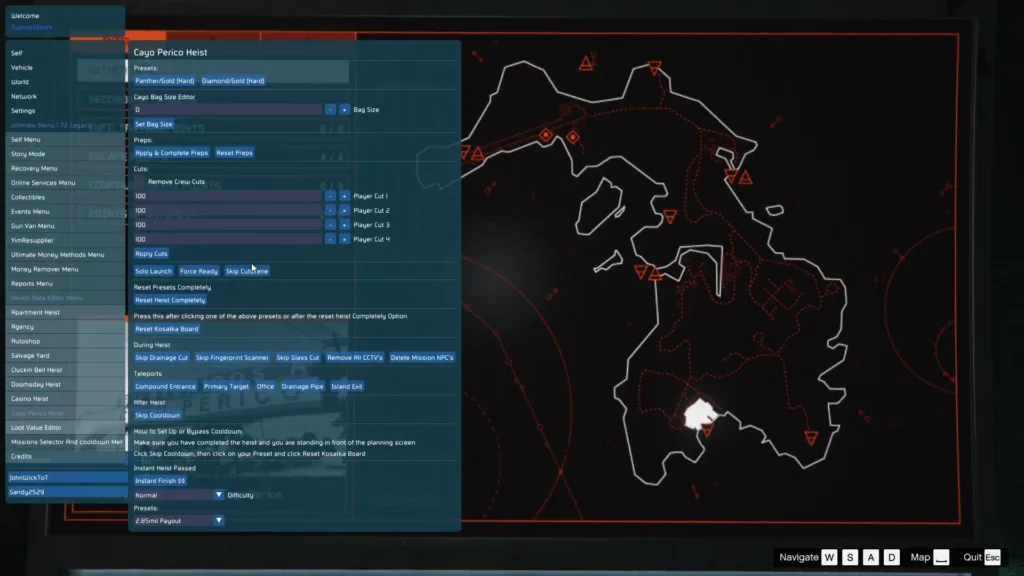
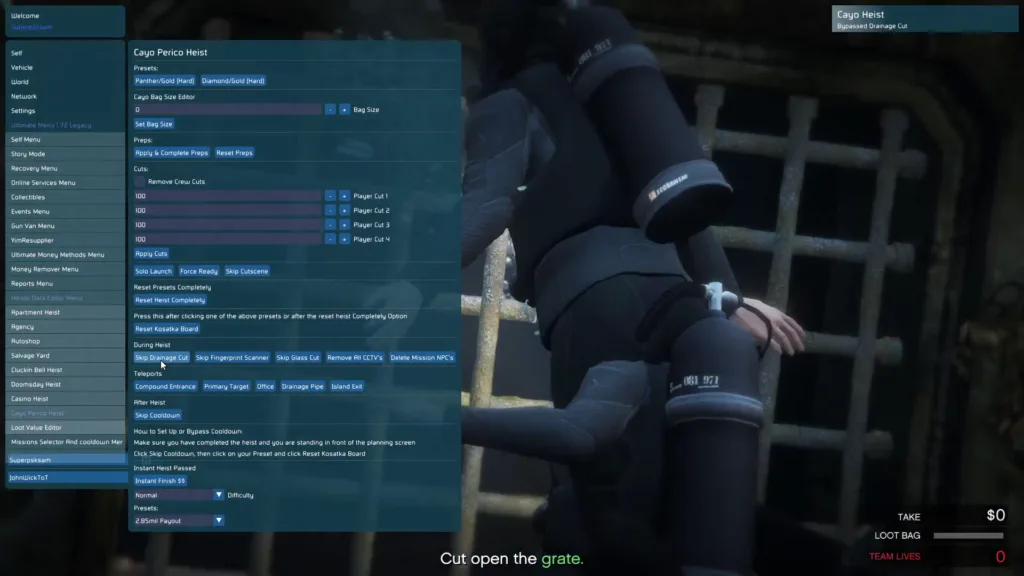
In-Game Screenshots
🎬 Video Guide
Step 1 — Disabling BattlEye
GTA V now ships with BattlEye anti-cheat active by default. YimMenu does not include a built-in BattlEye bypass — attempting to inject while it is running will almost certainly result in a ban. Disabling it is the very first thing you need to do before anything else.
Step 2 — Setting Up FSL (Local GTAO Saves)
FSL (Fake Save Loader / Local GTAO Saves) redirects your GTA Online save data from Rockstar’s cloud servers to your local machine. This step is strongly recommended based on reports from the dev team: users who ran FSL alongside the BattlEye disable did not get banned, while the majority of those who skipped FSL did.
Where to Find FSL
Search for the thread titled “FSL: local GTAO saves” on the UnknownCheats forum. Full setup instructions are included in that thread. Follow them exactly before proceeding to the injection steps.What FSL Does
FSL intercepts GTA Online’s save communication and stores your profile data locally rather than on Rockstar’s servers. This creates a local save environment that reduces the exposure of your main account during mod menu use.Verify FSL is Active
Before launching GTA V, confirm that FSL is properly installed and running. Check that the %AppData%\FSL directory exists and that WINMM.dll is in the GTA V root directory alongside GTA5.exe.Step 3 — Selecting & Configuring Your Injector
YimMenu is an internal DLL-based menu, which means it needs an injector to load it into the GTA5.exe process. Build 3351 has specific injector requirements that must be followed exactly.
Recommended Injectors
The dev team specifies Xenos Injector as the primary recommendation. Process Hacker or Process Monitor (maintained by the Process Hacker team) are also acceptable alternatives.Required Injection Method
Your injector must support LoadLibraryA or LoadLibraryW injection using CreateRemoteThread. This is the only injection method Build 3351 is designed to work with.Keep All Settings at Default
Do not touch advanced injector settings unless specifically instructed by the dev team. This build is tuned for default LoadLibrary injection — changing any advanced options is a reliable way to crash the game.Step 4 — Injecting at the Right Time
The injection window for Build 3351 is very specific. Injecting too early (during loading) or too late (after entering a session) will cause problems. Follow this sequence exactly.
Step 5 — Getting Into GTA Online
After injection, the process for entering GTA Online is different from what you might expect. Do not attempt to use GTA V’s native Online menu. Follow the sequence below exactly.
Download Source Warning
Following the partial DMCA takedown, YimMenu binaries are distributed exclusively through UnknownCheats. This is the only source that can be trusted.
Safe Source
UnknownCheats — the official release thread is the only place the dev team posts builds. Always download directly from that thread and verify you are on the correct page before downloading anything.Sources to Avoid
Do not download YimMenu from YouTube video descriptions, Discord servers, Telegram channels, or any third-party website. You have no way to verify what has been changed in those builds — they may contain additional code you did not agree to run.Quick Reference Summary
The full setup process in order, at a glance:
| Step | Action | Notes |
|---|---|---|
| 1 | Disable BattlEye | Via Rockstar Launcher settings or -nobattleye launch flag |
| 2 | Set up and enable FSL | Find “FSL: local GTAO saves” thread on UnknownCheats — do not skip |
| 3 | Prepare your injector | Xenos or Process Hacker, default settings, LoadLibraryA/W only |
| 4 | Launch GTA V and wait for main menu | Do not inject during any loading screen |
| 5 | Alt-Tab and inject | Target GTA5.exe, select YimMenu DLL, inject |
| 6 | Enter Story Mode | Select from main menu — let it load fully before anything else |
| 7 | Open YimMenu with INSERT | Default toggle key once inside single-player |
| 8 | Join Online via YimMenu joiner | Never use GTA’s native Online menu while the menu is injected |
Credits to #Yimura, Mr.X, SourceModzz & MaybeGreat48 & the team behind it
Download Links:


