
How to Mod in GTA Online: The Complete Guide for gta 5 cheats
Mods for GTA Online – everything you need to know about how to customize and mod in GTA Online safely and effectively. Mods have become an integral part of GTA Online — allowing players to do almost anything imaginable (customizing cars, creating custom mission packs, changing the economy model, even complete visual overhauls) — since GTA Online was first released nearly ten years ago as a standalone title. The purpose of this article is to provide information regarding all the tools and steps you will need to follow when installing mods into GTA Online in 2025 — and how to stay safe while doing so.
1. Understanding GTA Online Modding
Before diving into downloads and installs, it’s worth understanding what “modding” actually means in the context of GTA Online. A mod — short for modification — is any third-party alteration to the game’s files, behavior, or interface that wasn’t put there by Rockstar Games. Mods range from cosmetic tweaks (new car skins, better graphics) to functional overhauls (custom lobbies, money drops, god mode).
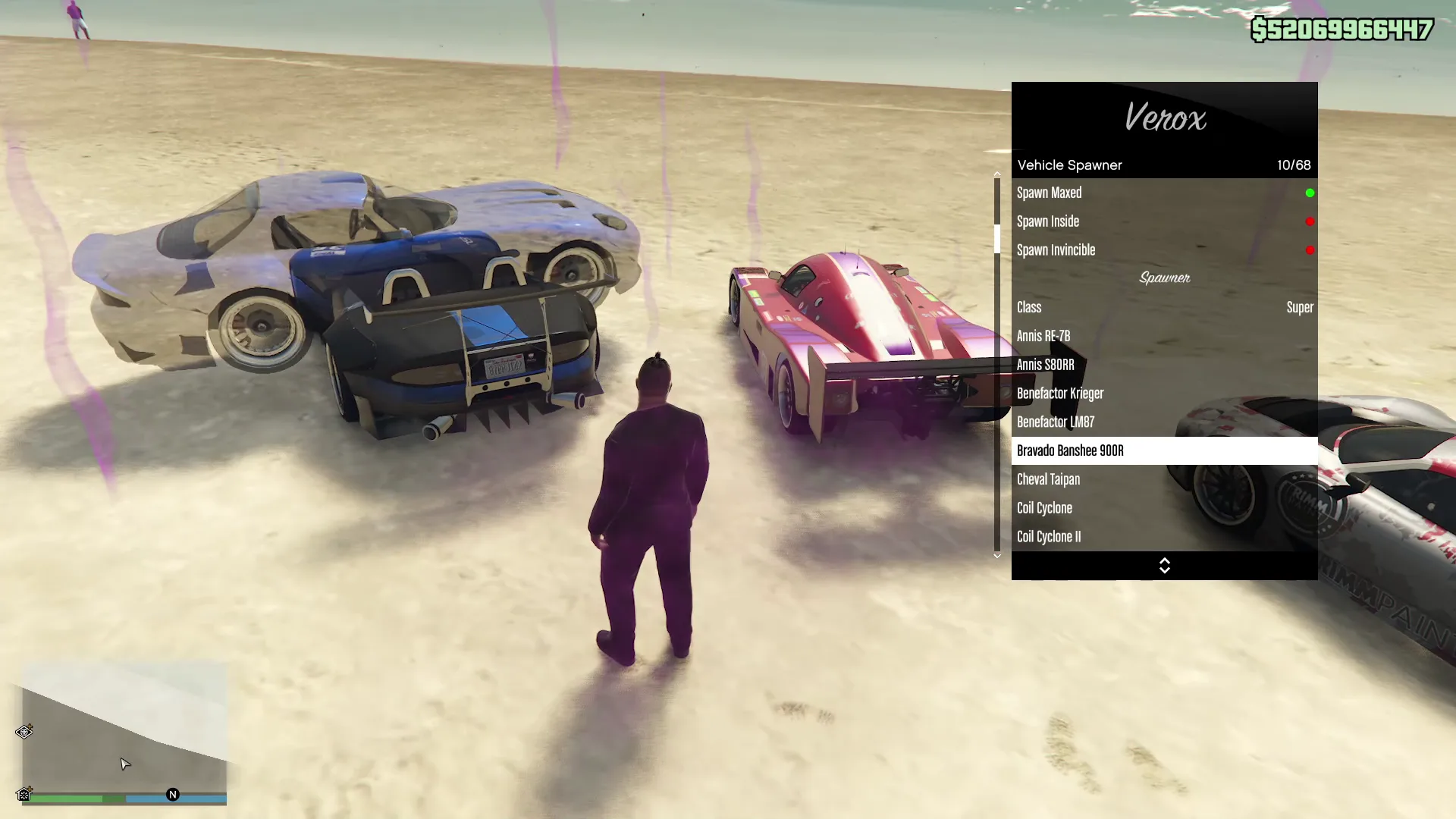
GTA Online modding happens primarily on PC, where the game files are accessible. Console modding is far more limited, though workarounds do exist. The PC modding scene is powered by tools like ScriptHookV, OpenIV, Yim Mod Menu, Kiddions Mod Menu and a variety of mod menus — each serving a different purpose. Understanding which tool does what is the first step to modding responsibly.
2. Risks, Rules & What Rockstar Allows
Let’s be direct: Rockstar Games does not officially allow mods in GTA Online. Their Terms of Service prohibit the use of cheats, hacks, and unauthorized modifications in multiplayer sessions. Violations can result in temporary suspensions or permanent bans — sometimes without warning.
That said, Rockstar has historically taken a more relaxed stance toward single-player mods and unofficially tolerated small-scale cosmetic tweaks that don’t disrupt other players. The key distinction is: single-player modding is largely safe; online modding is where the real risk lies.
| Mod Type | Environment | Risk Level | Notes |
|---|---|---|---|
| Graphics / ReShade | SP + Online | Low | Generally tolerated; no gameplay impact |
| Mod Menus (money, god mode) | Online | Medium | Flagged by anti-cheat quickly |
| Vehicle / Skin Mods | Single-Player | None | Safe offline; don’t carry to Online |
| Script Mods (SP) | Single-Player | None | Requires ScriptHookV — SP only |
| Invite-Only Lobby Mods | Online (private) | Medium | Lower risk, but still detectable |
| Map / World Mods | Single-Player | Low | Use OpenIV; avoid Online sessions |
3. Essential Tools & Software
Every GTA modder needs a core toolkit. These are the foundational programs trusted by millions of modders worldwide. Install them in the correct order to avoid conflicts.
The backbone of GTA V PC modding. Allows native functions to be called from custom execution tool. Required by almost every mod. Download from the official site by DarthTon. Always update after game patches.
Not a simple program — rather, a disciplined local setup of your game progress. Acts as a shield to protect your game without getting banned by using mods/ it creates a local data in your PC and store the game data instead of Rockstar game servers where the data doesn’t flow or save in realtime to Rockstar Server game files. This lets you play safely by modding and Enjoy GTA more Safely.
A powerful mod menu for GTA V Online Enhanced / Legacy Mode. Lets you browse, edit, and replace game assets — textures, models, audio. Essential for vehicle and skin mods. Use “Edit Mode” carefully.
An extension of Yim Menu Which helps you to enable modding in GTA 5 Enhanced that adds support for .Lua-based scripts (C#). Vastly expands the range of available mods. Many popular mod menus and utility scripts depend on this.
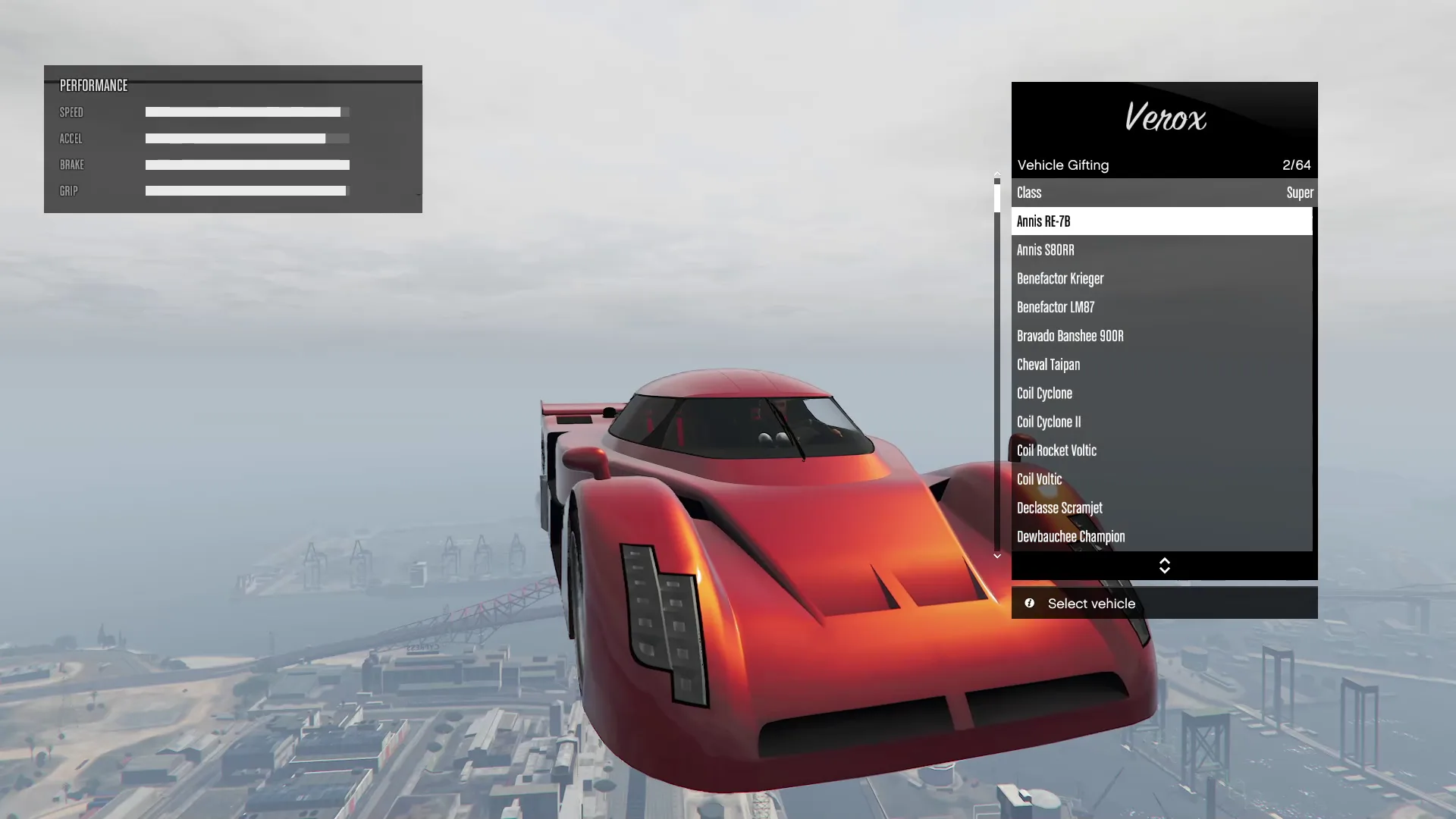
A post-processing Mod Menu that dramatically improves visuals, Recovery (Money Methods) — Gifting Vehicles, depth-of-field, Dropping Money to players, color grading. Works both in SP and Online with minimal detection risk. Highly recommended for screenshots and content creators.
4. Modding Single-Player vs. Online
This is the single most important distinction new modders need to understand. GTA V’s single-player mode (Story Mode) and GTA Online are, at their core, different environments — and Rockstar treats them very differently when it comes to mods.
Single-Player (Story Mode)
Story Mode is your safe haven for modding. You can install ScriptHookV, OpenIV, vehicle packs, map mods, weather tweaks, and complete gameplay overhauls without any risk to your online account. Rockstar officially acknowledged in 2015 that they have “no plans to actively police” single-player mods. This stance has held ever since. The golden rule: never launch GTA Online while ScriptHookV is active — ScriptHookV automatically disables itself when Online is detected, but it’s still best practice to have a clean toggle system.
GTA Online
Online modding is a different beast entirely. Here, your actions affect other real players — and Rockstar’s anti-cheat is watching. The safest way to use mods online is within private, invite-only, or solo lobbies. Avoid money drops, player griefing, or anything that leaves a server-side paper trail. Many experienced modders keep a completely separate GTA installation for Online play, with zero mod files.

5. Step-by-Step: Installing Mods on PC
Ready to get started? Follow these steps carefully. Before anything else, back up your entire GTA V folder. This takes 10 minutes and will save you hours of headache if something goes wrong.
Step 1: Prepare Your FSL Environment
Step 2: Deactivate Battleye
Step 3: Installing Yim Mod Menu / Yim Menu v2 / Verox Mod Menu
Step 4: Install Your First Lua Script
6. Most Popular Mod Types in 2025
The GTA modding scene in 2025 is more creative than ever. Here’s a breakdown of the most popular categories and what each brings to the experience.
🚗 Vehicle Mods
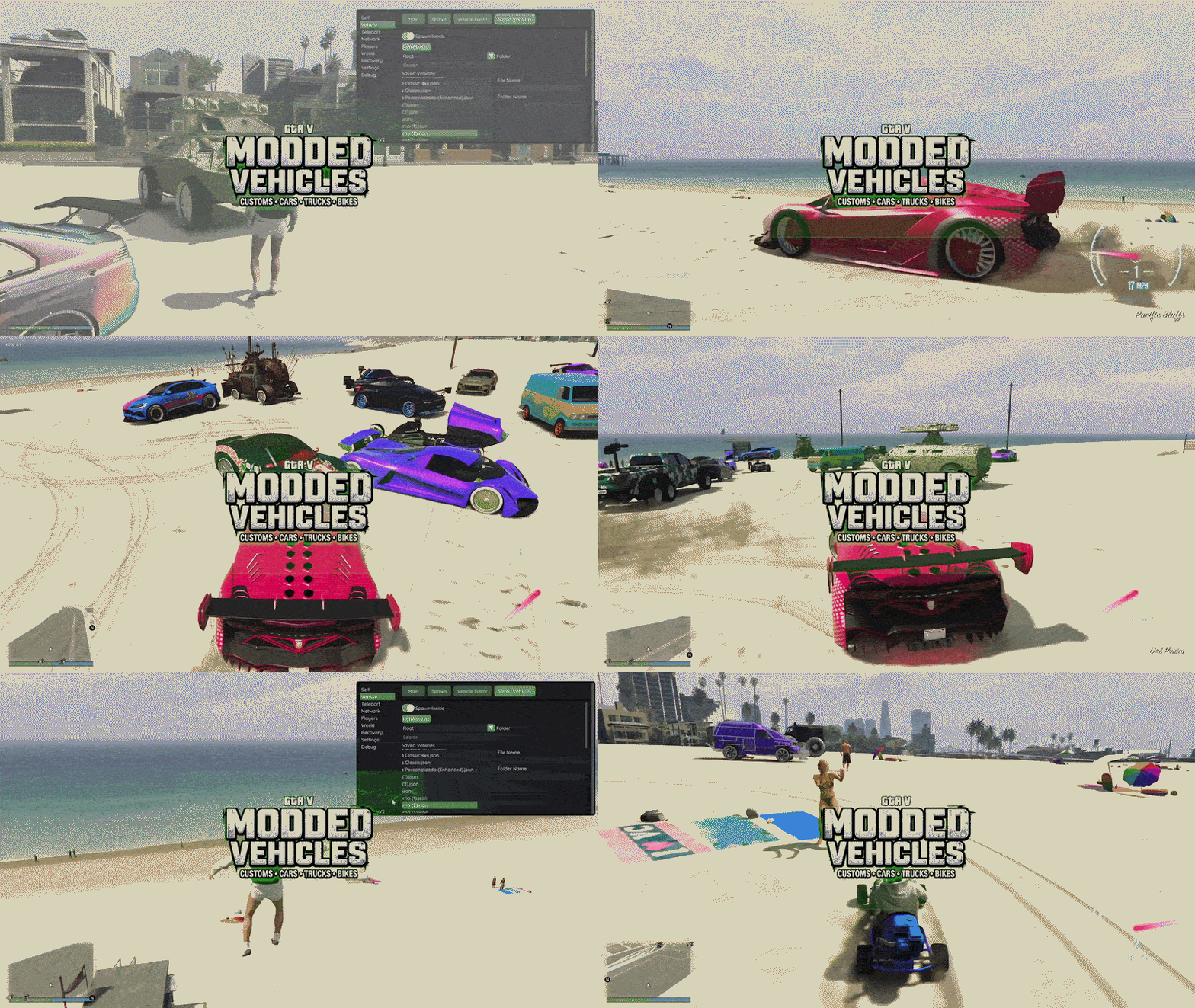
Hands-down the most downloaded category on gta5-mods.com. Vehicle mods replace in-game cars with real-world models — Ferraris, Lamborghinis, Bugattis, even military vehicles and fictional cars from movies. High-quality conversions include working interiors, accurate damage modeling, and custom sounds. Install via OpenIV into the mods/x64e.rpf or using add-on methods that don’t replace existing vehicles.
🎨 Rating of Mod Menus Collected from 2025
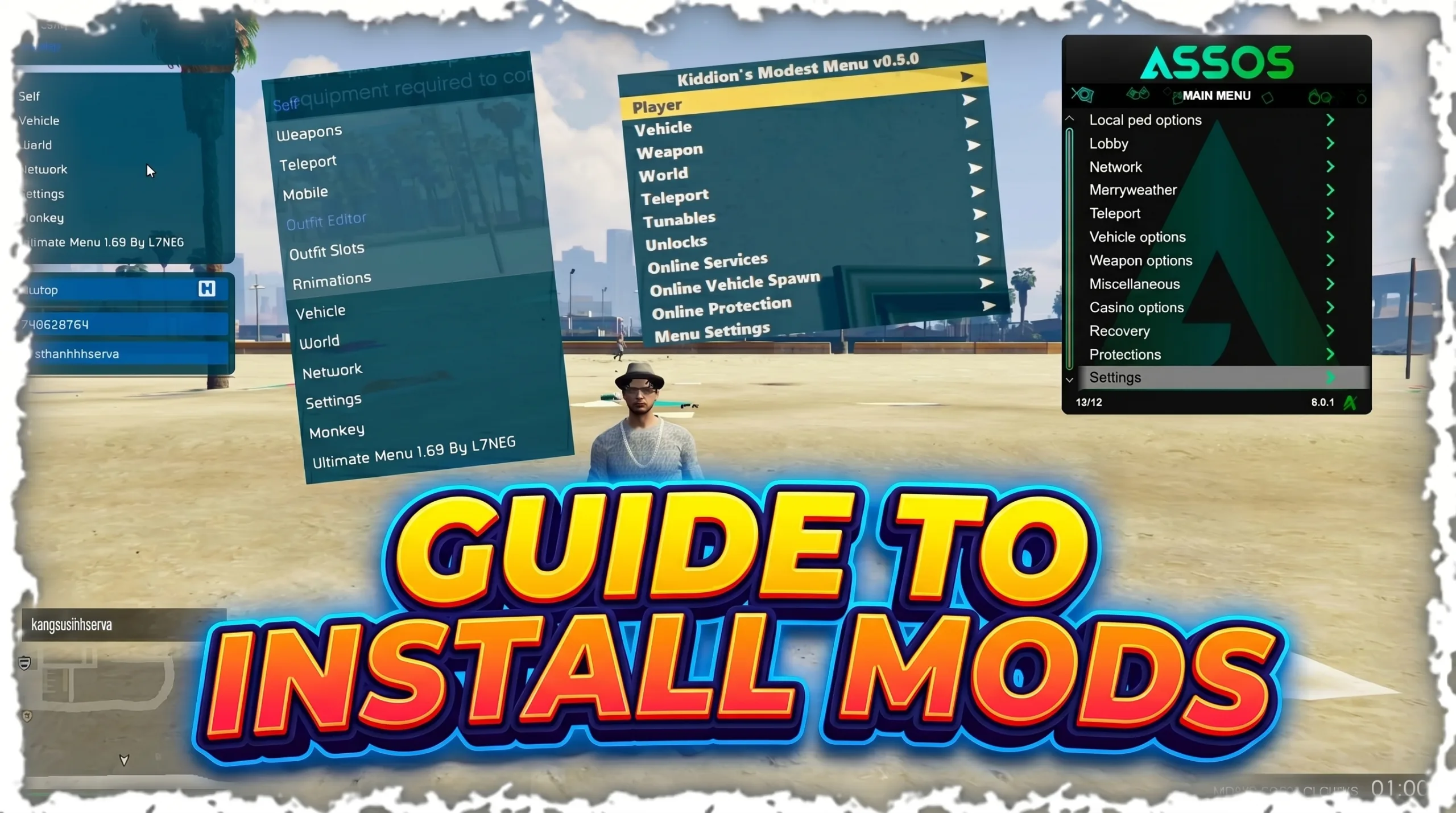
Mod Menus overhauls dramatically change in GTA V’s Online Gameplay . Popular options include YimMod / Yim Menu V2 (Legacy / Enhacned), Kiddions Mod Menu (Kiddionsmodestmenu), and Cherax Menu presets that give the game a completely new aesthetic. These are among the safest mods to run, even near Online sessions.
🗺️ Map & World Mods
Map mods add entirely new areas to explore — islands, interiors, fictional cities, and even ports of real-world locations. The LSPDFR (Los Santos Police Department First Response) mod is a legendary example, turning GTA into a police simulation with realistic calls, arrests, and equipment. Map mods require OpenIV and often come with custom props and textures.
🔫 Gameplay Script Mods
Script mods (.asi or .net files placed in the scripts folder) change how the game plays. Favorites include: Menyoo PC (a powerful trainer for single-player), Simple Trainer, vehicle spawners, wanted level tweakers, weather controllers, and role-play frameworks. These are the most technically varied mod type and usually have the most active development communities.
💰 Mod Menus (Online)
The most controversial category. Online mod menus provide in-game overlays with options like money drops, teleportation, vehicle spawning, and invincibility. Premium paid menus (Kiddion’s Modest Menu is a well-known free option) attempt to avoid detection through obfuscation and careful feature design. Always use these only in private lobbies and with extreme caution.
7. Modding on Console (PS5 / Xbox)
Console modding in 2025 is significantly harder than PC and comes with greater risk to your hardware and account. There is no equivalent of OpenIV or ScriptHookV for consoles. The options that exist fall into a few categories:
8. Staying Safe: Anti-Ban Tips
If you’re committed to using mods in GTA Online, there are practices that experienced modders have refined over years to minimize ban risk. None of these are guarantees — but they meaningfully reduce your exposure.
Use a Secondary Account
Create a separate Rockstar Social Club account for modded play. Keep your main account completely clean. If the secondary gets banned, you haven’t lost years of progress.Private / Invite-Only Lobbies Only
Never use mod menus in public lobbies. The more players that can see or interact with your modded behavior, the higher the chance of reports and automated flag triggers.Don’t Be Greedy with Money
Unusually rapid money accumulation is one of Rockstar’s primary detection flags. If using money mods, keep gains slow and realistic. Avoid jumping from $0 to $100M in an hour.Keep Your Mod Menu Updated
Anti-cheat updates come with game patches. An outdated mod menu is far more likely to be detected. Follow your menu’s community channels for same-day update notifications.Clean Up Before Online Sessions
Maintain a “clean” GTA installation for Online. Use a batch script to swap between your modded and vanilla installs, or simply move your scripts/ folder and ScriptHookV out of the root before launching Online.Never Grief or Harass Other Players
Player reports are a direct pipeline to Rockstar’s manual review team. Even if your mods don’t trigger automated detection, enough player reports will get a human looking at your account.9. Troubleshooting Common Issues
99% of the time this is a ScriptHookV version mismatch. After any Rockstar update, ScriptHookV must be updated within a few days. Until Alexander Blade releases a new version, remove ScriptHookV.dll and dinput8.dll from your root folder to play vanilla while you wait.
This usually means the game updated and OpenIV’s .asi plugin needs an update too. Re-run the OpenIV ASI Manager and reinstall. If that fails, verify game files through Steam or Rockstar Launcher to repair corrupted archives.
Check that ScriptHookV is installed correctly first. Confirm the mod menu’s .asi or .dll files are in the right directory. Most menus open with INSERT or F4 — check the menu’s documentation. Also ensure you’re in Story Mode, not Online.
This is often a conflict between the vehicle’s texture dictionary (.ytd) and existing game files. Make sure you’re installing into the mods folder via OpenIV, not overwriting originals. Some high-poly mods also require texture quality settings to be at “Very High” to render correctly.
Sit it out. Do not attempt to appeal with evidence of modding — Rockstar’s support team will almost never overturn bans on modded accounts. After the suspension ends, strip all mods from your installation before logging into Online again. Consider this a warning and be more cautious going forward.
10. Frequently Asked Questions
Not in any practical, safe way in 2025. Console modding requires jailbreaking hardware that’s still on manufacturer-supported firmware — which isn’t feasible on current-gen hardware. PC is the only real option for modding.
Be very cautious. Many YouTube “mod” downloads in video descriptions lead to malware, RATs (Remote Access Trojans), or credential stealers. Always verify mod sources on gta5-mods.com or GTAForums before downloading anything.
Single-player mods do not touch your Online character at all — Online and Offline save data are completely separate. Online mods can affect your account if detected (ban = losing all progress), which is why caution is so important.
Kiddion’s Modest Menu, Yim Mod Menu has maintained a strong community reputation over the years as a free option. However, “best” and “safe” change rapidly with each Rockstar update. Always check the current status on r/Yim Mod Menu : Home for GTA 5 Mod Menu – Yim Menu before using any menu in Online.
There are no documented cases of bans issued purely for single-player mods that were never used in Online sessions. As long as you play clean in Online and mod only in Story Mode, your account should be safe.